iPhone
Tap at the top edge
Unlock your iPhone and hold the OniLink card against the top edge. Wait for the notification, then tap it to open your link.
Your OniLink card is ready to share your chosen link with a tap. It needs no charging.
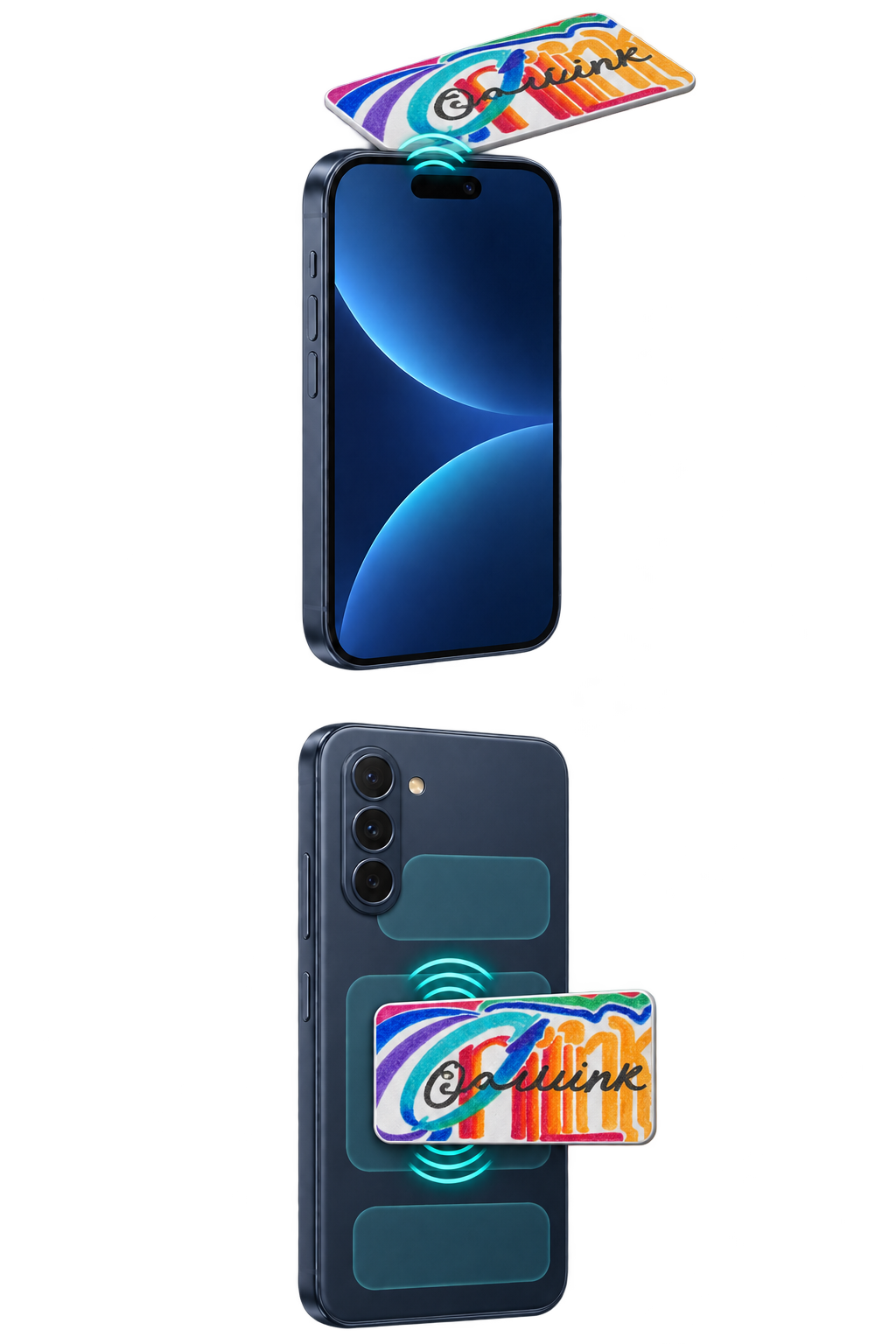
iPhone
Unlock your iPhone and hold the OniLink card against the top edge. Wait for the notification, then tap it to open your link.
Android
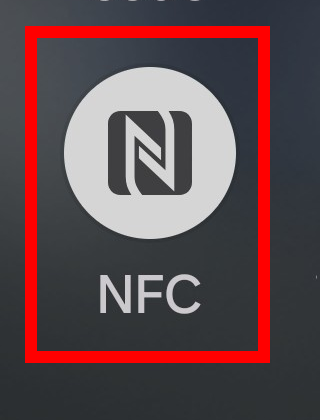
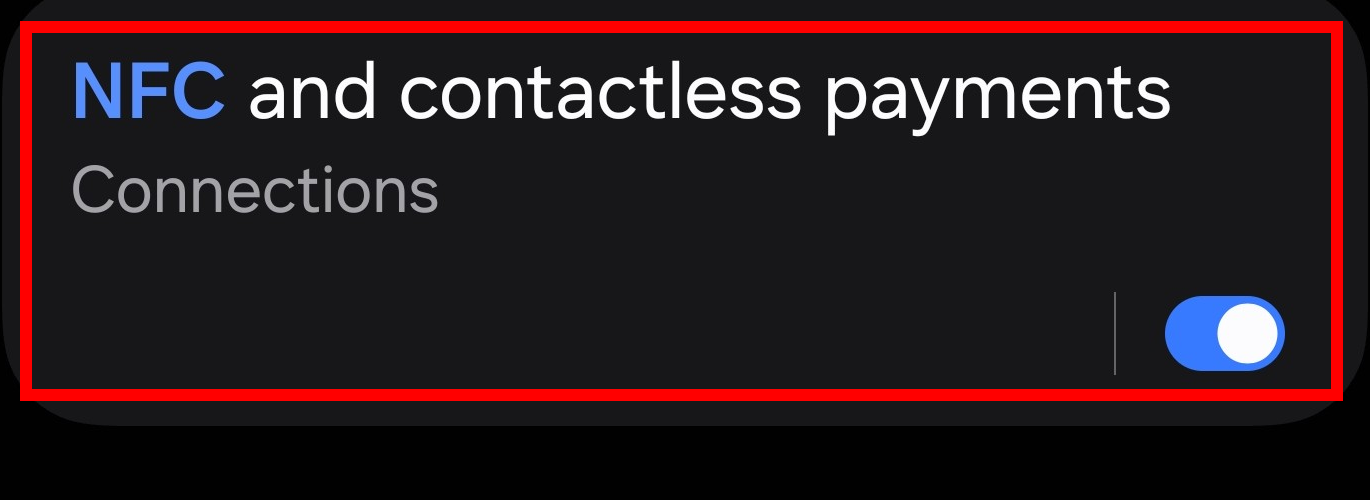
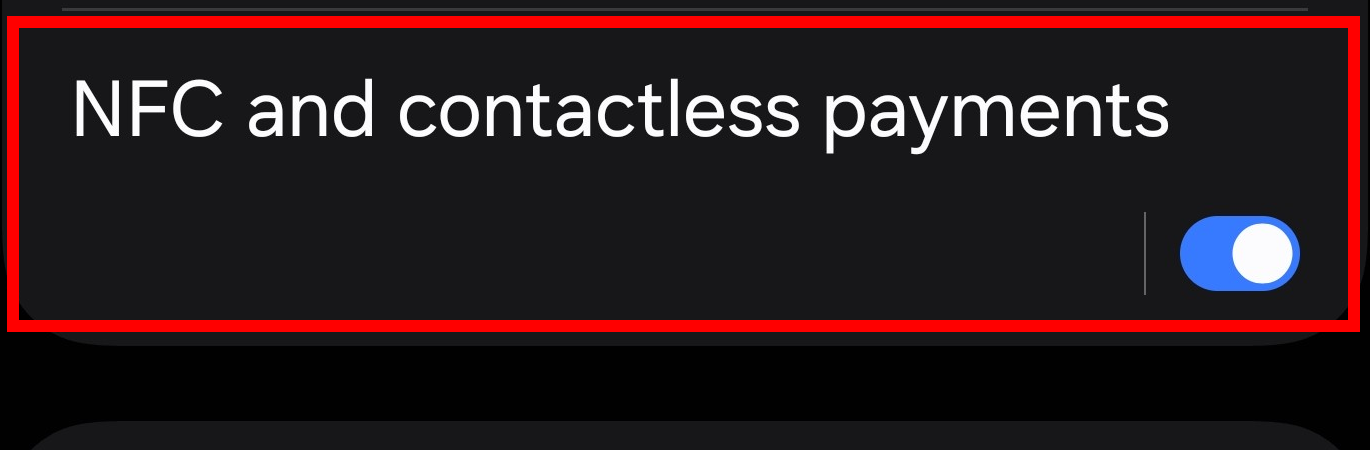
Unlock your Android and turn NFC on. Tap the card against the back. The reader position varies, so move the card slowly across the back if needed.
These are examples from one Android phone. Menu names and tile locations vary by model.
Keep your card flat and away from keys, sharp objects, heat and moisture.
You have 30 days of basic NFC setup help from the day your card arrives. Get in touch with your order reference and phone model if you need a hand.
Email OniLink supportIf you feel like sharing your card, a photo of the artwork or a short video of the first tap would be lovely. Share it wherever you usually post, and tag OniLink on LinkedIn if you're posting there.
Design a card for a different link, a gift or someone on your team. If you'd like matching artwork, include your previous enquiry reference in the additional requirements on the form.
Start another design